
Enterprise-Grade Capabilities
Core capabilities for enterprise communication.
A unified, scalable platform for creating and delivering content across environments.


















Standard signage
Used for everyday communication across workplace facilities and employee desktops.
- Corporate communications
- Operational screens
- Informational screens
- Directional displays
- E-paper
- ESL content
- Screensaver and lock screen
Advanced display use cases
This capability supports specialized communication scenarios that go beyond standard signage, enabling interactive, operational, and time-critical displays across the organization.
Display5 can support:
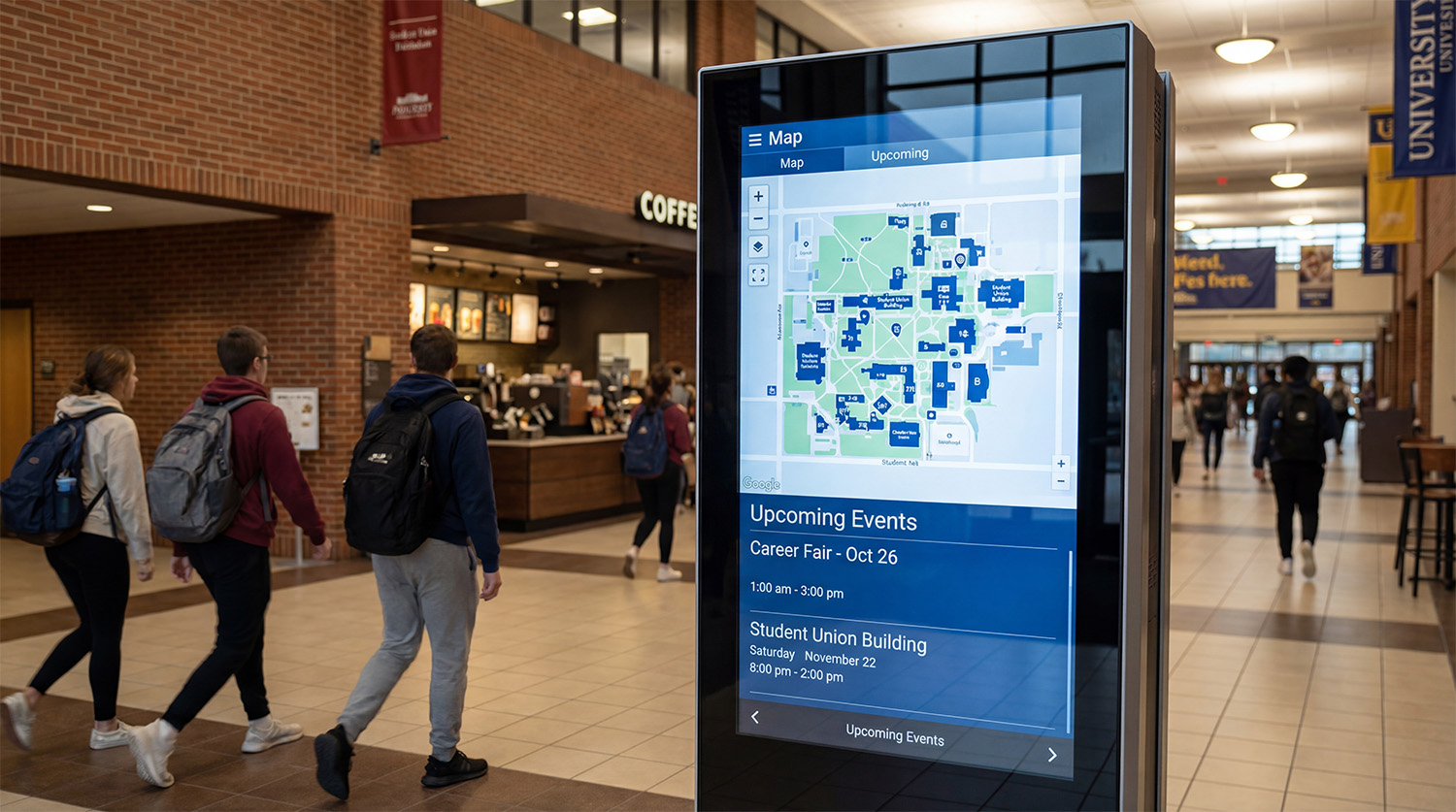
- Ideal for environments that require touch, navigation, or large-format layouts.
- Supports kiosks, wayfinding on kiosks, mobile, or web, and custom video wall configurations.
- Extends communication directly to employee PC devices.
- Supports screensavers, lock screens, desktop messaging, and real-time updates.
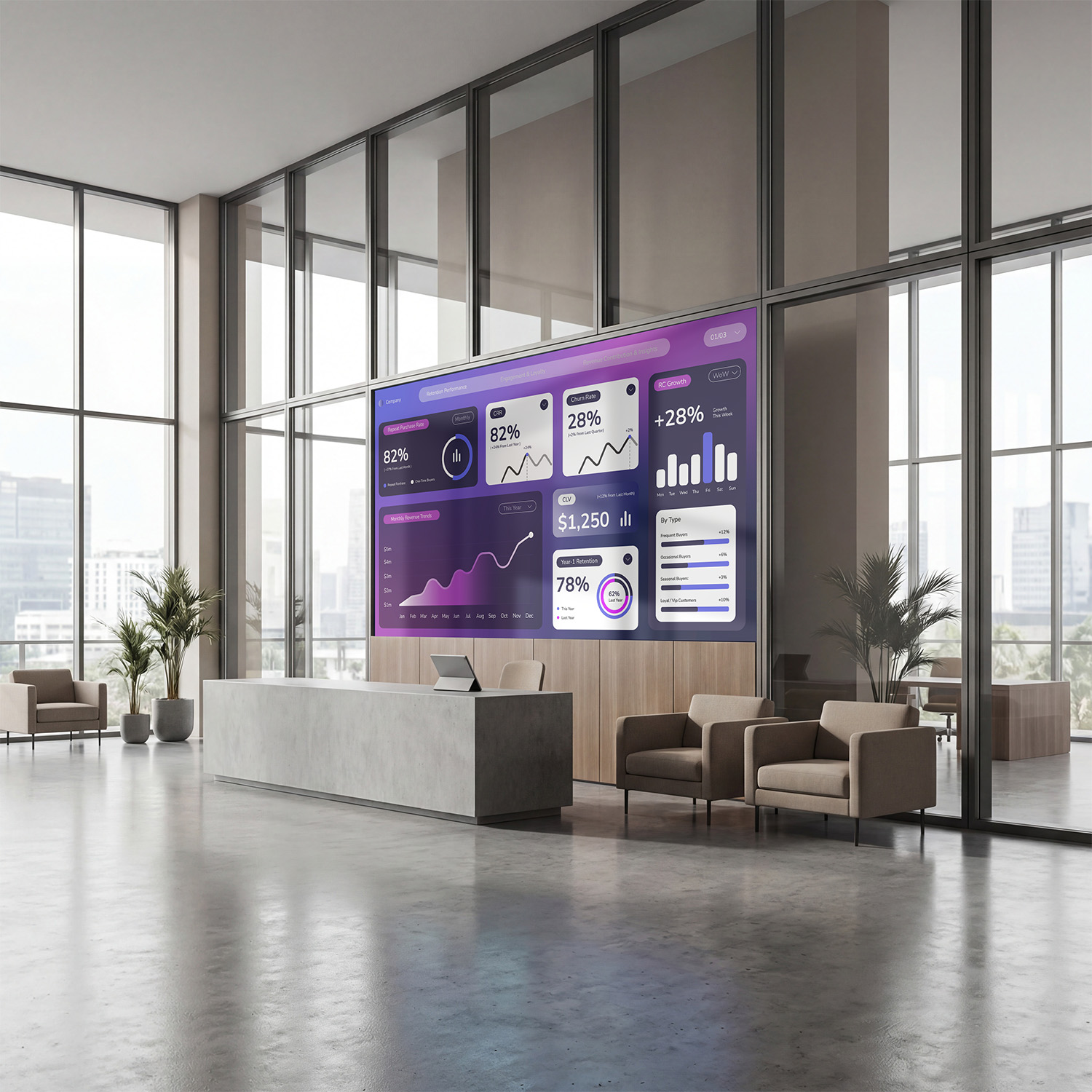
- Designed for teams that rely on live performance data.
- Supports metrics dashboards, KPIs, data visualizations, and content streams for support environments.
- Provides immediate visibility during critical situations.
- Supports instant overrides, facility or campus-wide alerts, and urgent content workflows.
Tools that support organization-wide coordination
A complete set of tools helps organizations coordinate content, users, and devices across large, multi-department deployments.

Access & permissions
Role-based controls define who can create, approve, and manage content.
Show organization
Tools to build, schedule, and maintain content streams across teams.
Content governance
Approvals, timing rules, and media management in one workflow.
Device coordination
Monitor, group, and target devices from a central dashboard.


Why enterprises choose Display5
One platform for every screen
Display5 gives enterprises a single platform that supports every use case and every type of screen. It replaces fragmented signage deployments with one system that fits naturally into existing IT and communication workflows.
One platform. Less complexity.
Enterprise signage often grows in silos, creating unnecessary complexity and cost. Display5 consolidates disconnected systems into one secure, enterprise platform. This simplifies management, reduces vendor sprawl, and makes it easier to scale new use cases.
Built to scale. Ready for what’s next.
Enterprise signage needs to grow without constant reinvestment or platform changes. Display5 is designed to scale across teams, locations, and use cases on a single enterprise platform. As needs evolve, new capabilities are added without disrupting what’s already in place.
Helpful answers to common questions
The platform supports the full spectrum of signage use cases beyond traditional digital signage—screensavers, desktops, kiosks, room panels, video walls, e-paper. ESL and emergency alerts—managed all in one place.
Yes. Each department can create its own content streams while still working within a unified platform structure.
Organizations can start with a single use case and expand at any pace—without redesigning the foundation.
There are over 200 content widgets including: HTML canvas editors, images, video, dashboards, live data, text, charts. graphs, Power BI and much more.