
Screensaver Signage
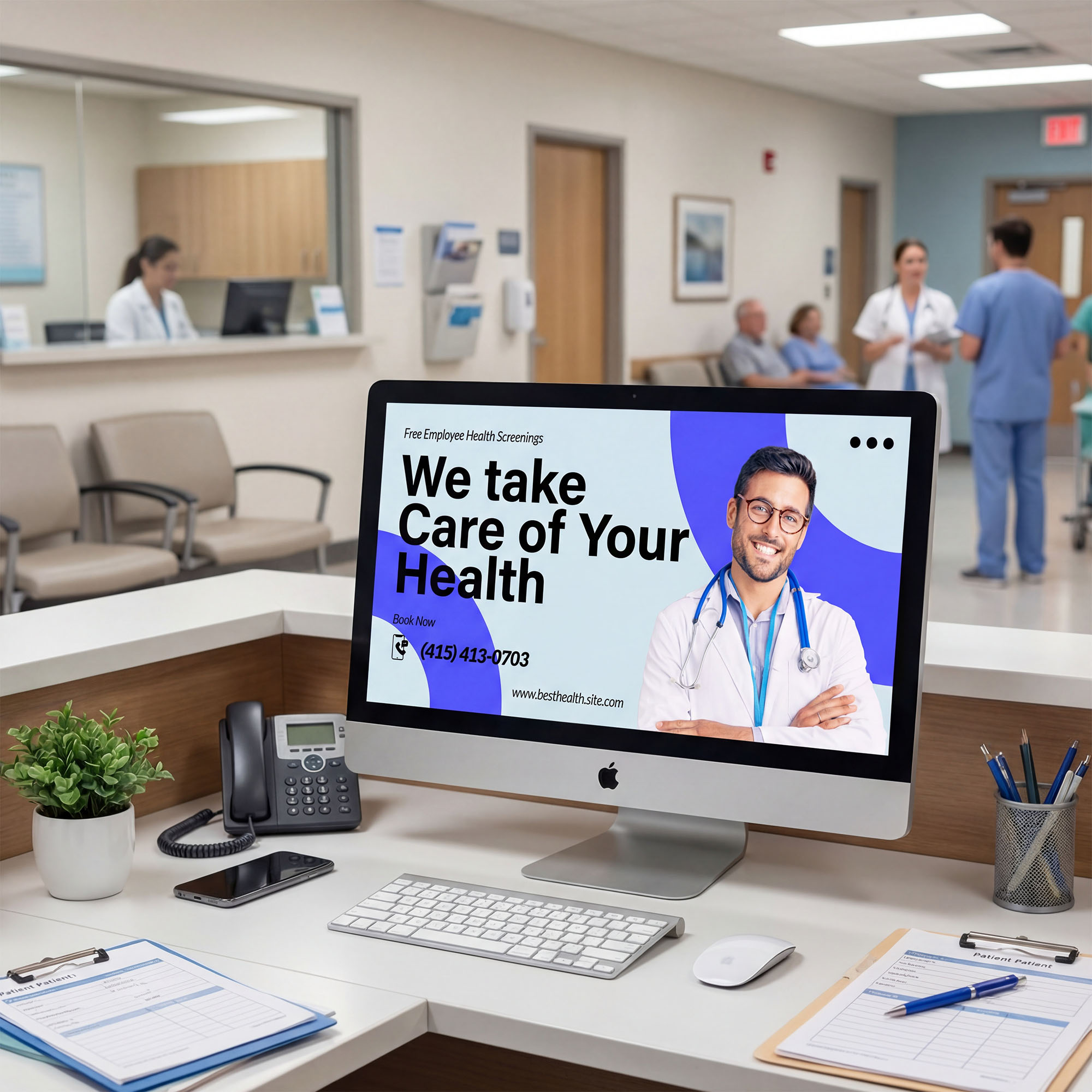
Reach people during natural pauses
Turn idle desktop time into an on message, communication touchpoint. Corporate communications are gently visible throughout the day. Messaging lands without disrupting work.
How we make it easy
Display5 makes screensaver signage simple for both IT and communications teams. Setup happens once, and from there, content is easy to manage, update, and scale across the organization.
- Ensures screensavers activate and update reliably.
- No extra tools or disconnected systems to manage.
- Add messages, reminders, or visuals in minutes.
- Keep content consistent across teams, with simple scheduling built in.
- Share company-wide updates or let departments tailor content when needed.
- Maintain a unified experience while giving each group room to contribute.
- Start with a pilot and expand to any number of desktops when ready.
- Update content centrally so changes appear everywhere automatically.
- Works across both Windows and Apple desktops without creating new support burdens.
- Reduces scattered tools and aligns with enterprise governance expectations.
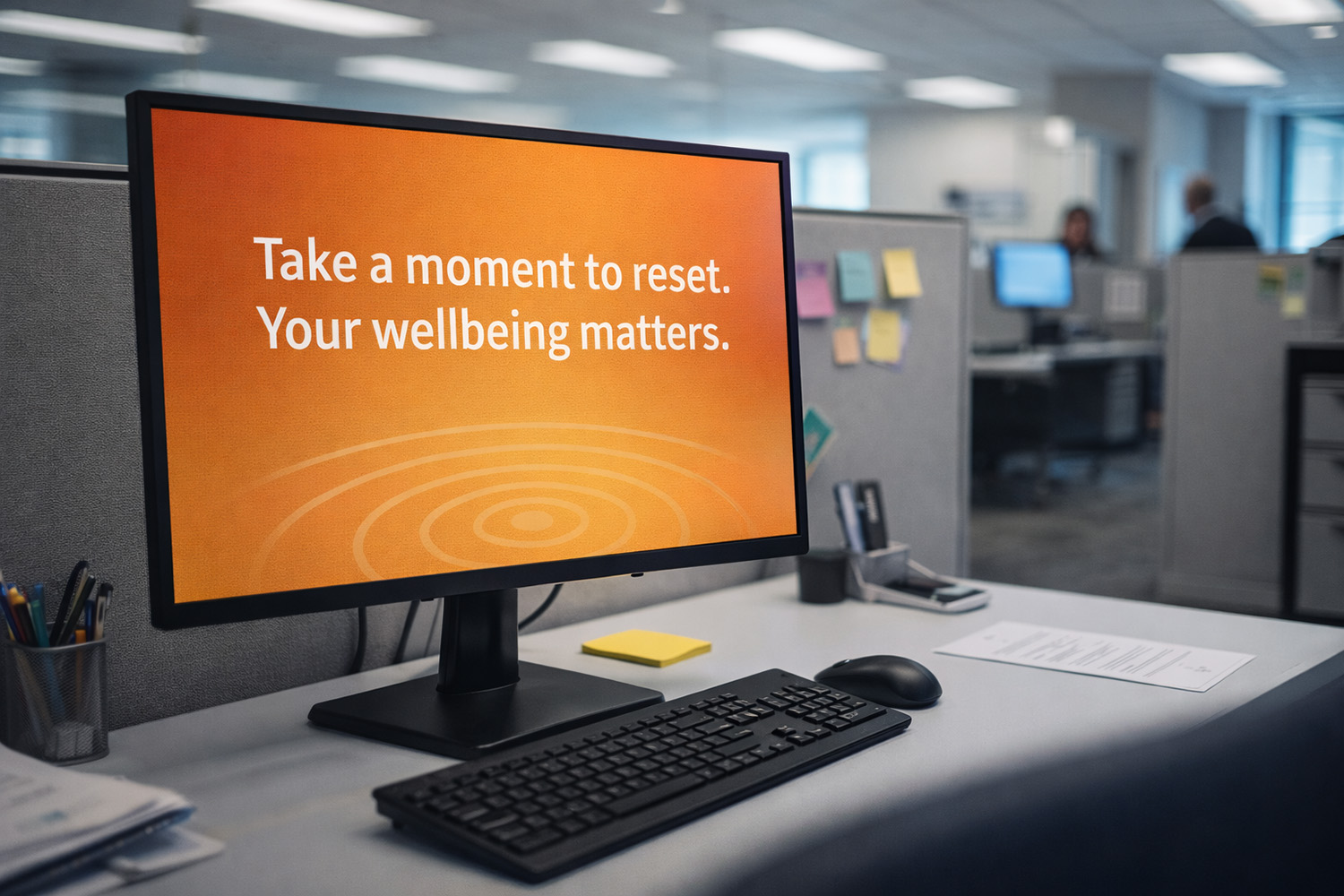
Why enterprises like to work with Display5
Screensaver signage is a powerful way to reach employees. With Display5, enterprises get a simple, unified path to manage it at scale.
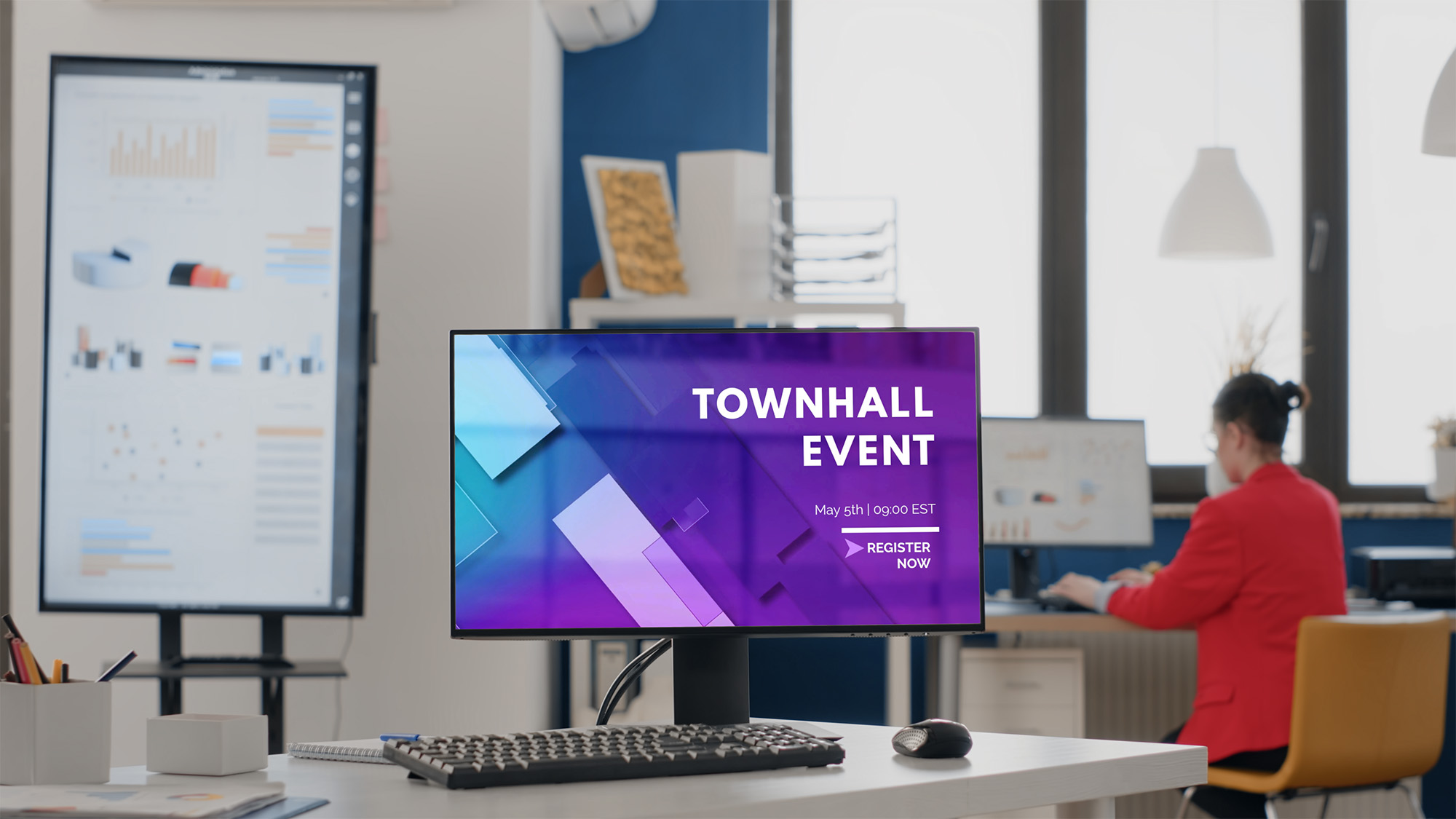
One platform instead of many tools
Most organizations use multiple systems for signage. Display5 replaces this patchwork with one consolidated platform that supports all signage needs, including screensavers.
Easy for communications teams
Teams can update and schedule content without relying on IT, giving them more flexibility, control and speed.
IT-friendly management
IT gains centralized oversight, fewer vendors to support, and a platform aligned to enterprise standards.
Future-proof
As needs grow, Display5 grows with you, adding:
Start small, grow anytime
Begin with one department or a small pilot and expand when ready. The platform supports both small rollouts and global deployments.
Helpful answers to common questions
Screensaver signage turns inactive desktop time into a strategic corporate communications tool to harmonize the entire organization.
No. Setup is handled with IT once, and content updates automatically after that.
Yes. Departments can add or schedule their own updates while staying within your branding and governance.
No. It activates only when the device is idle and closes the moment the person touches the keyboard of their desktop or laptop.
Most organizations start with a small pilot and expand quickly because setup is one-time and centrally managed.