
01
Series 1 version 2 – Training
This is the excerpt for the resources
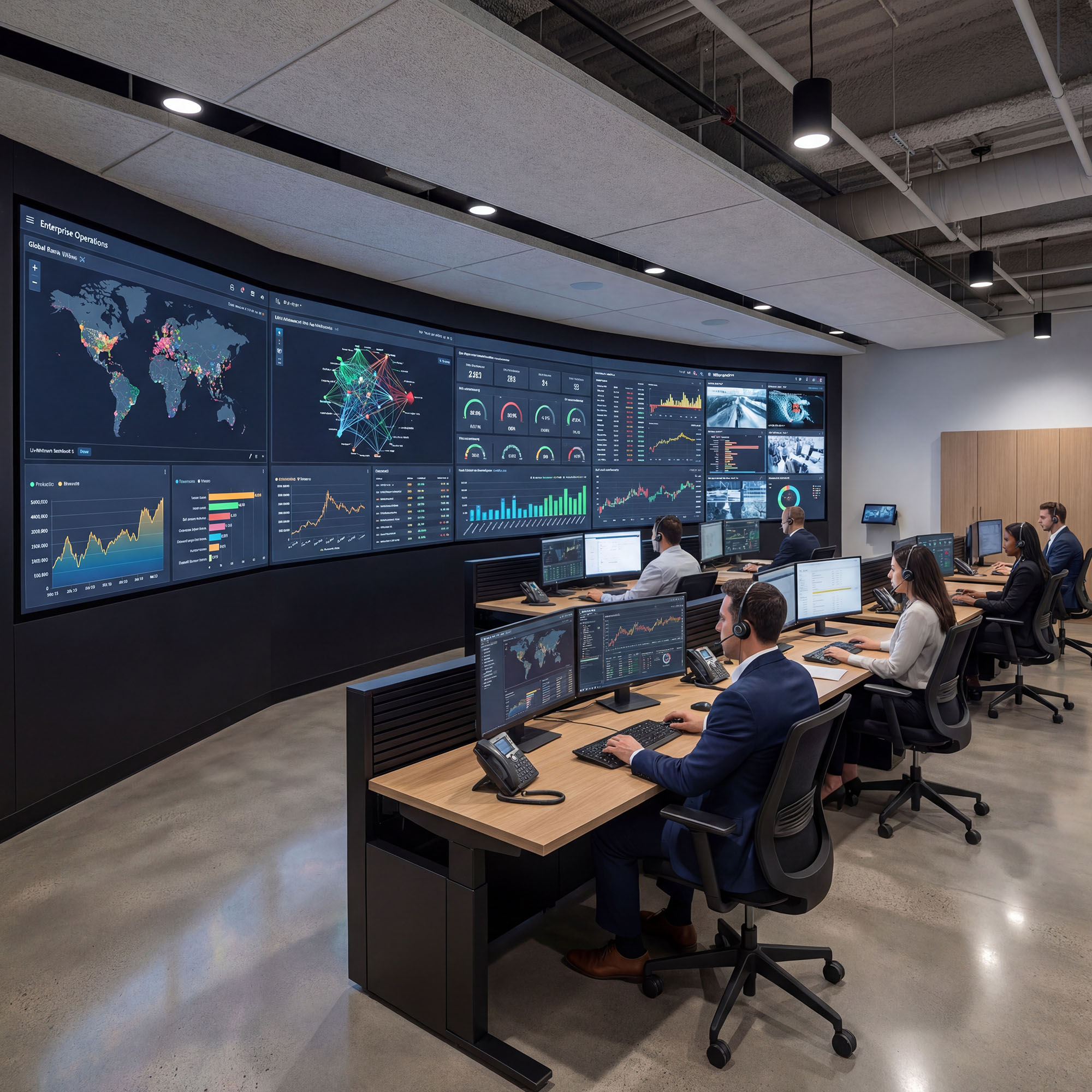
This is the excerpt for the resources
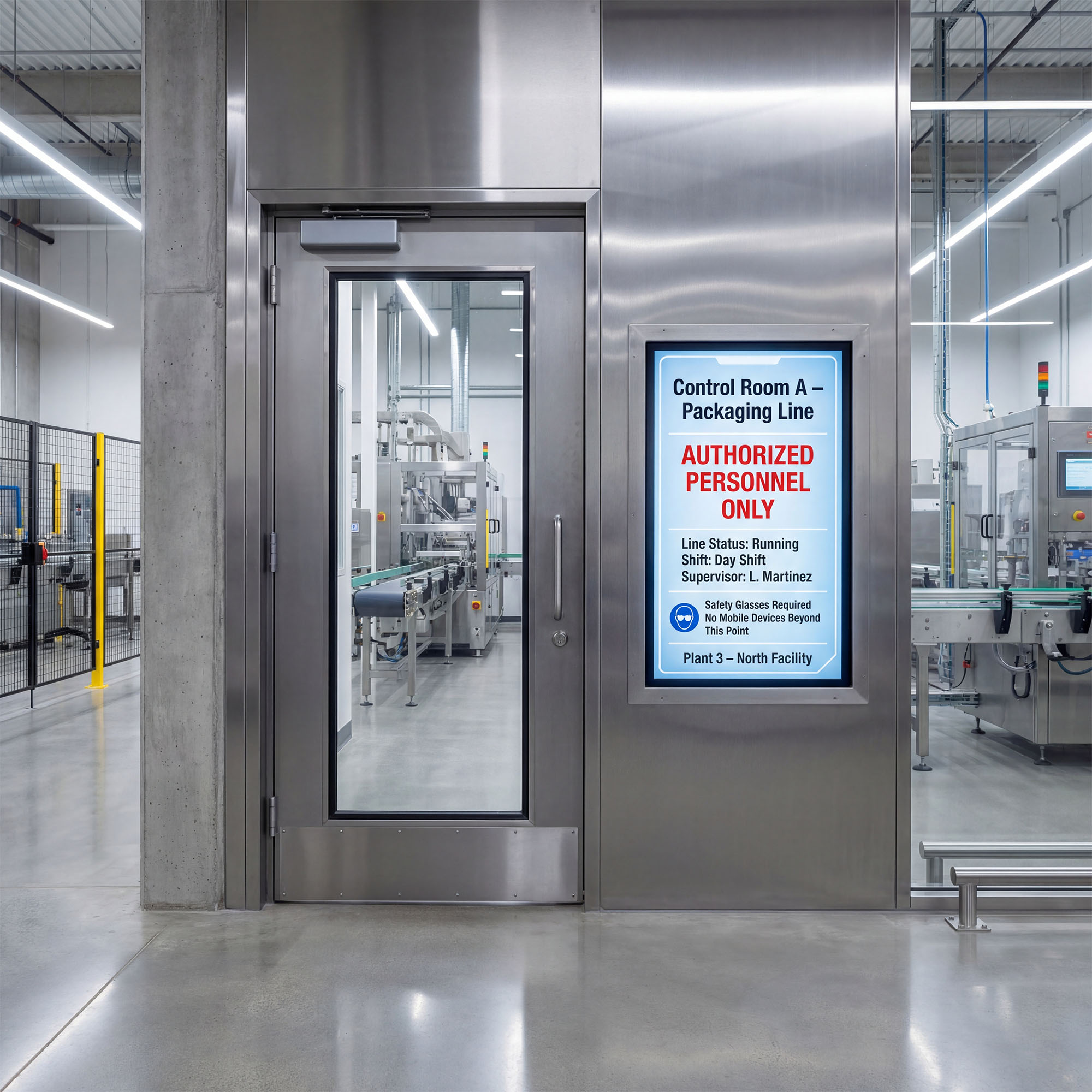
This video series provides a tour of the platform navigation and highlights how to get quick access to key platform features.
Video Topics Available:

This video series gives a user the fundamentals of what individual content items are. Widgets, and how they are added to the playlists within the Show Framework.
We will introduce you to the show framework
4.1 Panel Playlist Overview and Navigation
4.2 Editing, Copying, Deleting and other Widget Management Functions
4.3 Show Framework Functions
4.4 Editing Show Properties
The video series below provides Display5 digital signage widget training . The videos are for content creation and control on Digital Signs, Video walls, Room Panels, In-room displays and kiosks. One Platform. One CMS. All your favourite content on all your screens.
This video series explains how to use specific Display5 widgets in your Shows. Please note that all the widget videos will be creating the widget slide vs editing, but the look and feel is the same. The only difference is that when you are editing, you start with content that was already created and then make modifications.
In addition, the videos will for the most part cover the settings which are unique to the widget. These are known as the Custom settings, under the Paintbrush Icon in the Widget settings bar. To avoid repetition, the common widget settings, scheduling settings and basic text settings can be found in the Widget Basics Series. Learn them once, and they are the same for all widgets.
The Display5 Content Management System (CMS) Basics