
Desktop Signage
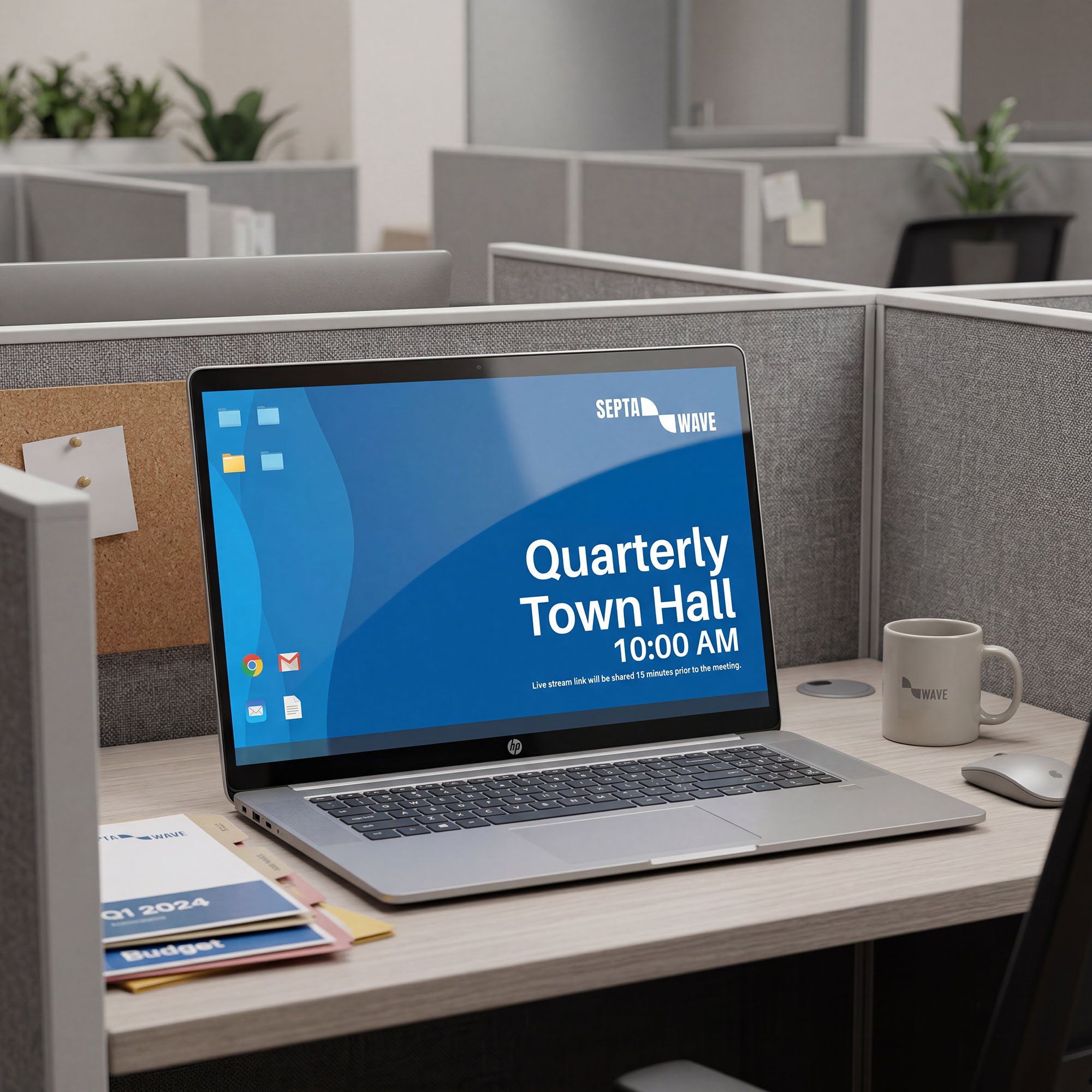
Reach employees wherever they work
Desktop signage brings corporate messages directly to employee screens, bringing rich communication to the everyday work experience. Instead of relying on emails or posters, information appears right when needed and where attention already is.
This helps enterprises keep their workforce aligned without adding noise.
How we make it easy
Desktop signage should feel natural, not disruptive.
Display5’s Platform helps enterprises introduce desktop signage in a way that fits into daily work patterns and scales over time.
Display5 is:
- Share messages on desktops without changing how people work.
- Start with a single team or message and expand when ready.
- Different desktop signage streams for different parts of the organization.
- Keep updates clear, timely, and easy to understand.
- Ensure messages are seen without overwhelming employees.
- Maintain a common look and message across departments.
- Support both company-wide updates and local messages.
- Use desktop signage for announcements, reminders, or awareness.
- Adjust content on a regular schedule or as priorities change.
- Begin small and expand desktop signage as adoption grows.
- Support long-term use without rethinking your approach.

Why enterprises like to work with Display5
Enterprises need communication tools that fit into complex environments. Desktop signage with Display5 supports broad adoption without adding unnecessary overhead.
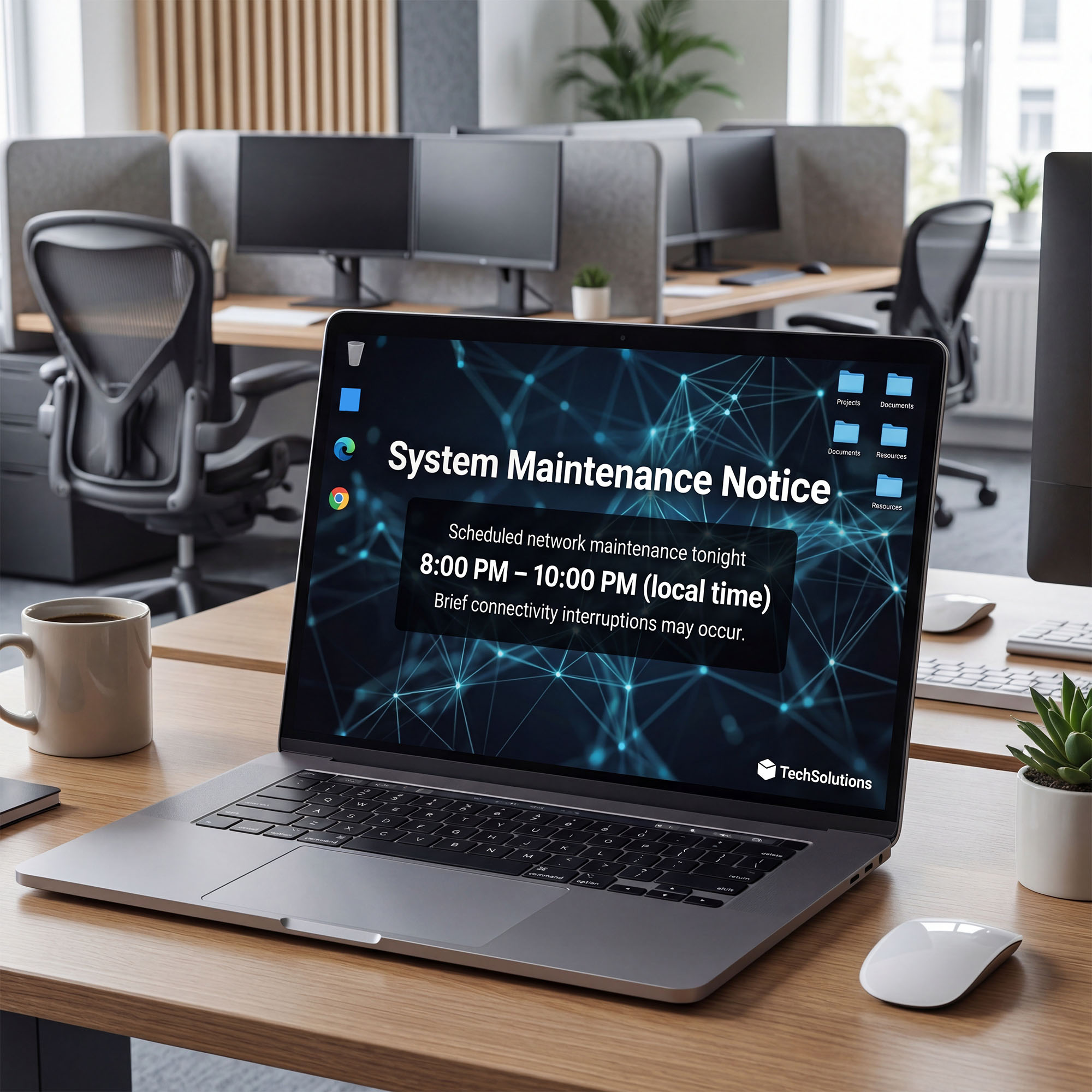
One platform, many teams
Support desktop signage across departments while keeping a consistent experience. This helps organizations avoid fragmented approaches while still allowing teams to communicate what matters to them.
Supports change and growth
Adapt desktop signage as organizational needs evolve. This allows enterprises to respond to change without reworking how communication is delivered.
Easy adoption
Easy adoption Introduce desktop signage gradually so teams see value quickly without disruption. This makes it easier to build trust and adoption across the organization over time.
Clear ownership and control
Manage who shares messages and where they appear to reduce confusion. Clear ownership helps ensure messages stay:
Reduces communication clutter
Help important messages stand out without overwhelming employees. Desktop signage reinforces priority information without adding to inbox fatigue.
Helpful answers to common questions
Desktop signage displays messages directly on employee computer screens to support internal communication.
No. Desktop signage complements email by reinforcing key messages in a richer visible way.
Operations teams for remote workers, HR, facilities, and leadership teams often use desktop signage to share timely information and corporate messaging.
Yes. Messages can be shared broadly or focused on specific teams or locations.
Desktop signage works for organizations of many sizes, especially those looking to improve visibility of key messages.