
Kiosk & Interactive Displays
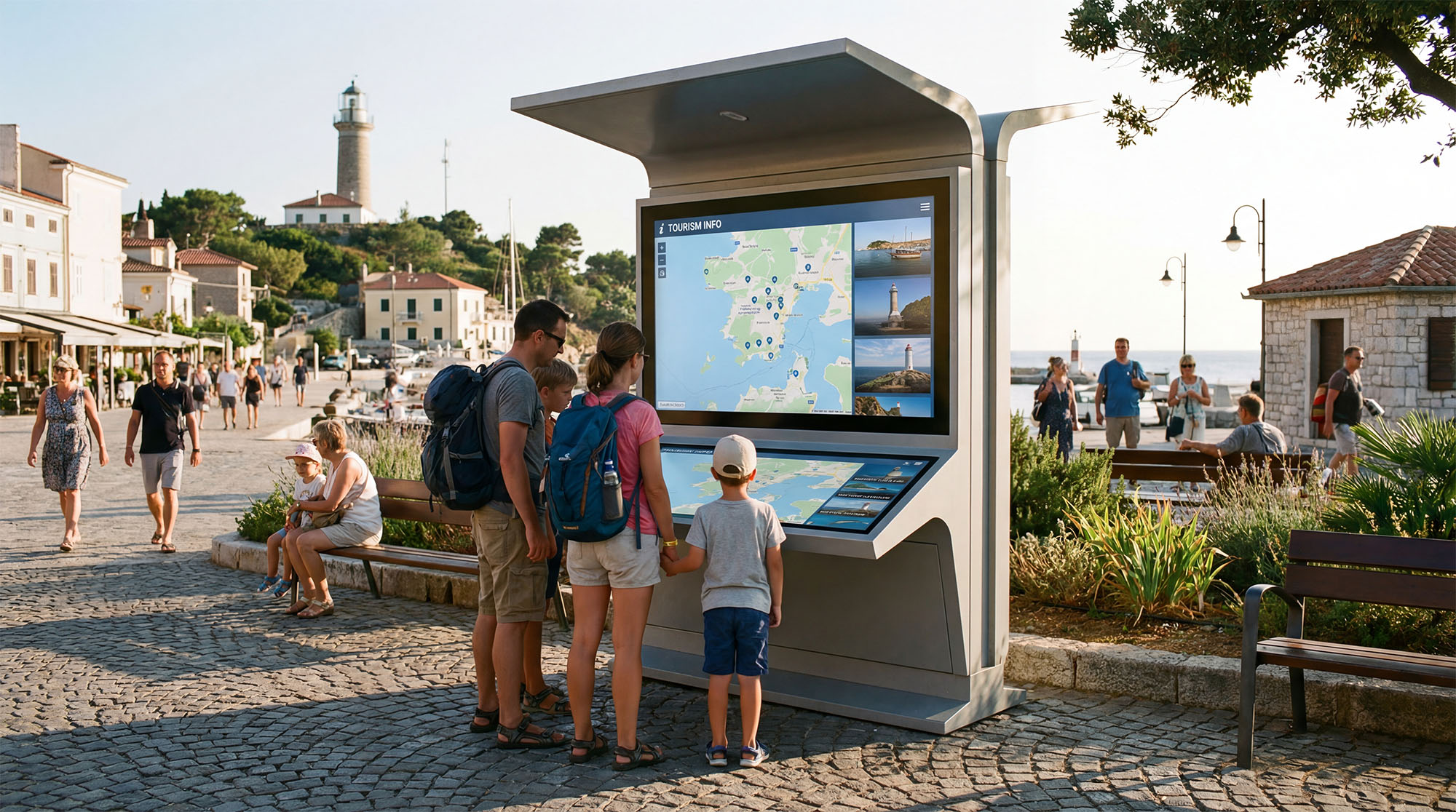
Engage people in the moment
Kiosks and interactive displays help visitors, customers, and employees get what they need quickly. These screens guide, inform, and support simple actions with a tap. They bring information closer to the user and make navigation or task-completion more intuitive.
How we make it easy
Display5’s Enterprise Signage Streaming Platform treats kiosks and interactive displays as fully managed signage endpoints—designed, updated, and governed using the same enterprise platform you use for all other signage modes.
With Display5, you can:
- Deploy and manage kiosk content streams from the same CMS used for digital signs, dashboards, room panels, and more.
- Use your existing enterprise platform without adding new software stacks or standalone kiosk tools.
- Design touch-friendly layouts using Display5’s canvas tools, playlists, and widgets.
- Add guidance, motion, maps, product info, or real-time data to support each task or journey.
- Start with a single kiosk or pilot location, then grow to hundreds of endpoints without changing your architecture.
- Manage content updates centrally—changes appear instantly on every device.
Play content streams directly through the browser on the kiosk endpoint, supporting both cached content and real-time streaming as needed.
Enable fast, smooth content switching for interactive tasks, even in high-traffic environments.

Why enterprises like to work with Display5
Display5 gives organizations a scalable way to deliver consistent, high-quality kiosk experiences while reducing operational overhead.
The Platform provides interactive content, data, and device management together on a single enterprise platform.
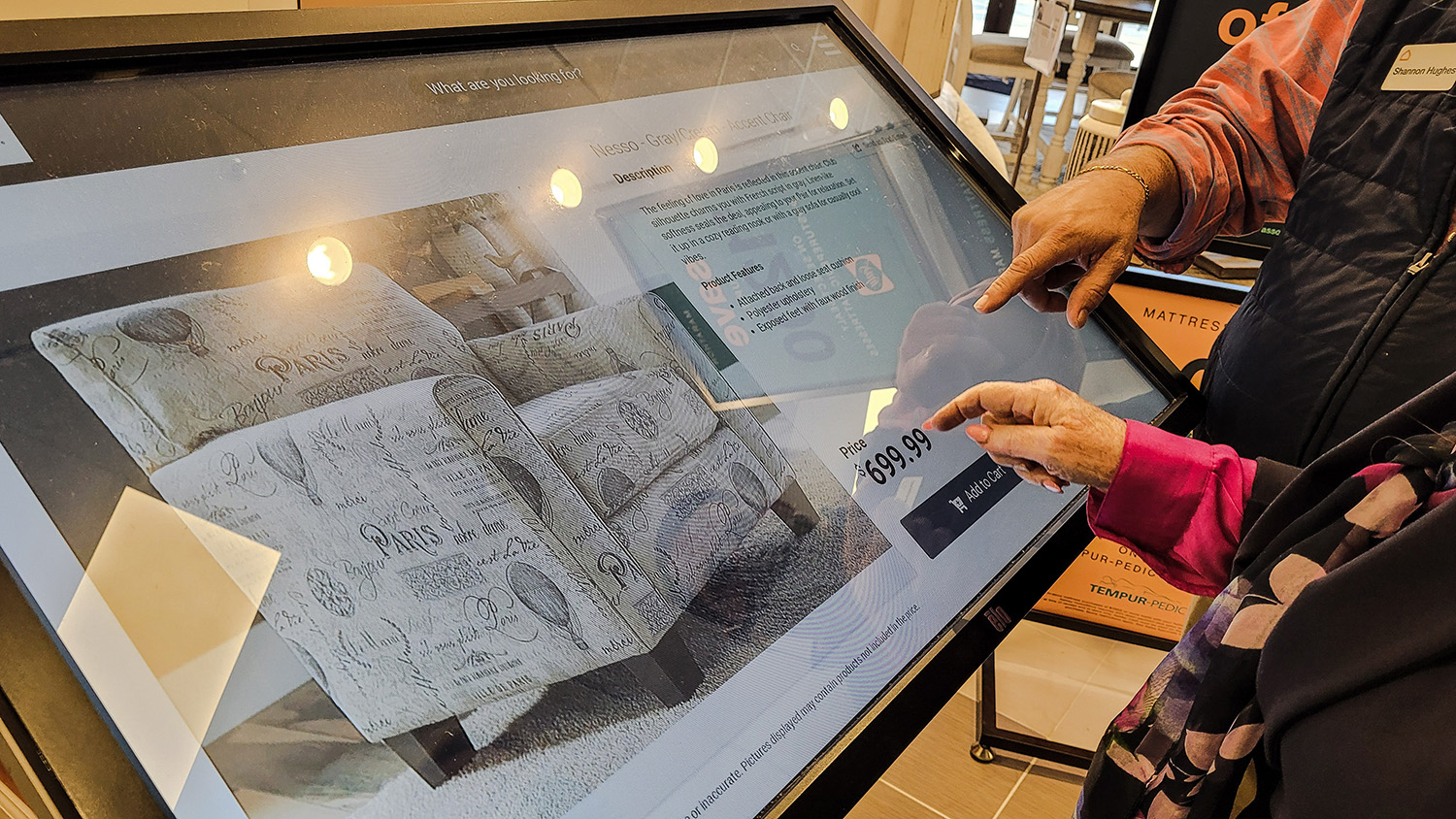
Secure, enterprise-grade deployment
Display5 fits naturally into enterprise environments, supporting identity standards, governance policies, and secure system integrations. It deploys cleanly within existing IT architecture without introducing new software stacks.
One platform for all interactive use cases
Most kiosk tools solve a single need and create another silo. Display5 supports kiosks, wayfinding, digital signs, room panels, dashboards, and more—on one platform. This consolidation brings important advantages:
Easy integration with your data and systems
Display5 can pull in maps, product data, scheduling information, dashboards, and other content sources without requiring custom development. This ensures kiosk experiences stay current and aligned with live enterprise information.
Consistent interactive experience across locations
Because kiosks use the same CMS as all other endpoints, using Display5 teams can:
Helpful answers to common questions
Informational kiosks, wayfinding, retail or service kiosks, and other touch-based interactive experiences.
Yes. You can design your content streams with custom layouts, panels, buttons and interactive elements to match your brand and user needs.
Yes. When content changes are published, kiosks update with the push of a button.
Yes. Display5 supports integrations with many enterprise platforms and can pull content from mapped data sources, scheduling tools, dashboards, and more.
Yes. The platform is built for enterprise environments, supporting modern identity standards and IT compliance requirements.